
A few weeks ago, we introduced Edge Delta Agent Skills: a set of tools that let your coding agent, whether that’s Claude Code, Cursor, or Copilot, investigate production issues directly through the edx CLI. With it, developers can ask about incidents in plain language and watch their agent search logs, metrics, and traces to trace it back to a root cause, without leaving the terminal they were already working in.
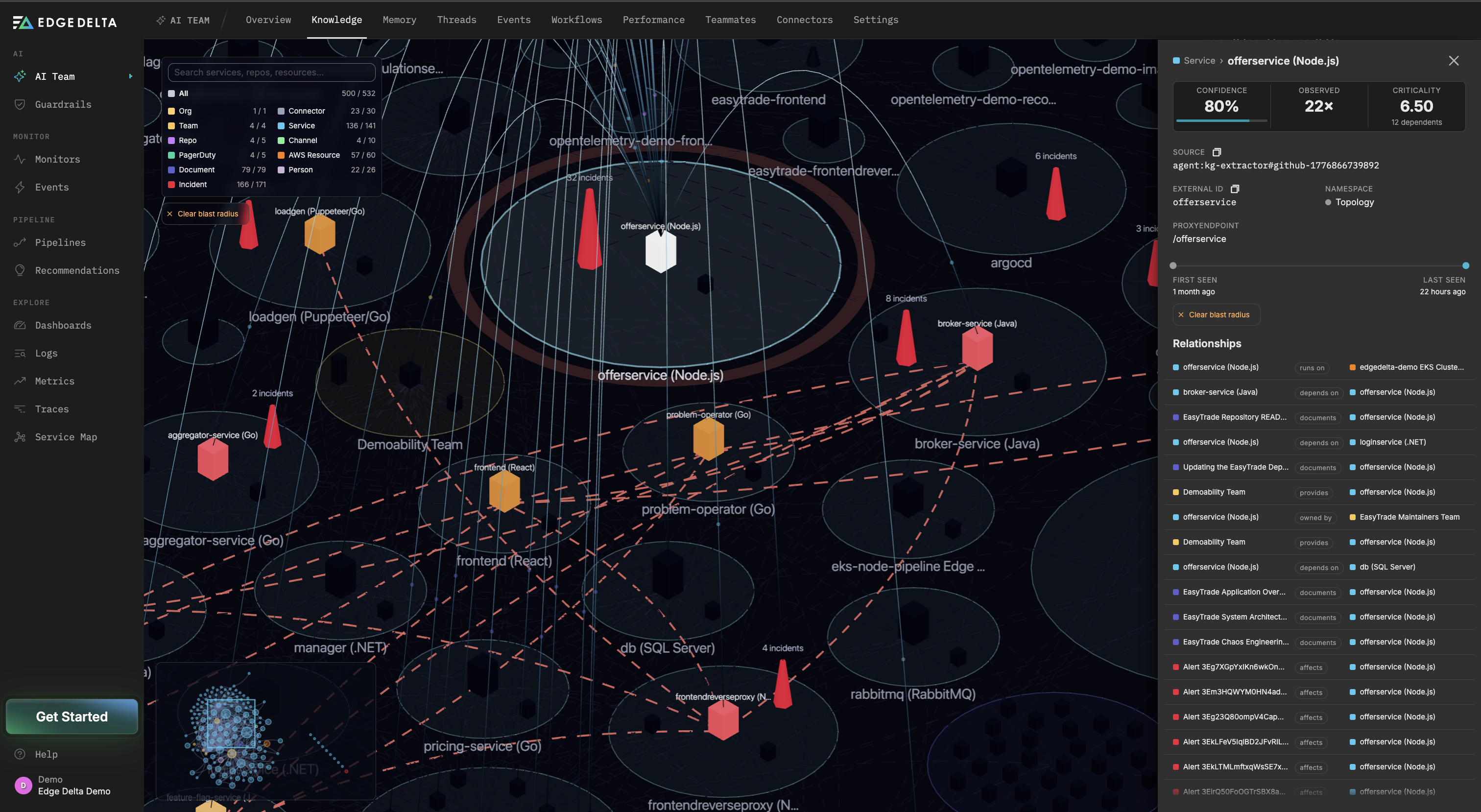
With the release of Edge Delta’s Knowledge Graph, an automatically maintained map of your services, repositories, teams, and incidents is queryable directly from edx. Now, your agents can reason about blast radius and service ownership in the same investigation where they found the bug, without leaving the coding workflow it’s already running in.
What is the Edge Delta Knowledge Graph?
Our Knowledge Graph is an automatically maintained map of your environment. Shortly after you connect a source like GitHub, PagerDuty, Jira, Slack, or AWS, Edge Delta starts discovering the services, repositories, teams, people, and incidents that source exposes, along with how they relate to each other. There’s no schema to define by hand, and the graph re-syncs on a daily cycle, so it reflects your environment as it changes rather than a snapshot from whenever someone last updated a wiki page. Each entity and relationship tracks its source and a confidence score, so a teammate weighing a conclusion knows where the evidence came from.
edx Now Covers the Whole Platform
edx has grown well past log search. At this point, there’s very little in the Edge Delta UI you can’t also do from the CLI: build and update dashboards, change pipeline configurations and deploy them to your fleet, create and manage monitors, run investigations through your AI Teammates. All of it is reachable from wherever your coding agent runs, whether that’s Claude Code, Cursor, or Copilot.
The Knowledge Graph is the newest addition to that surface, and it’s queryable the same way as everything else: through edx, from inside the agent you’re already working in.
If it’s been a few weeks, run edx update to pick up the latest version. The knowledge graph commands shipped in v0.14.0.
Walkthrough of an Example Incident Response with the Knowledge Graph
The two demos below walk through the same incident from different starting points, showing how an agent uses the Knowledge Graph to work through it. Both involve ad-renderer, a fictitious ad rendering service that’s leaking memory and taking requests down at the gateway with it.
A 503 spike shows up at api-gateway, and there’s no immediate way to know which service owns the path that’s failing.
The agent starts with edx ai knowledge stats to confirm the graph is populated and current: 3,335 nodes, 5,482 edges, synced two minutes ago. From there, edx ai knowledge search "api-gateway" --min-confidence 0.8 finds the exact entity, and edx ai knowledge get svc::prod/api-gateway returns its neighbors: api-gateway calls ad-renderer, checkout, and recommendation, and is called by cdn-edge.
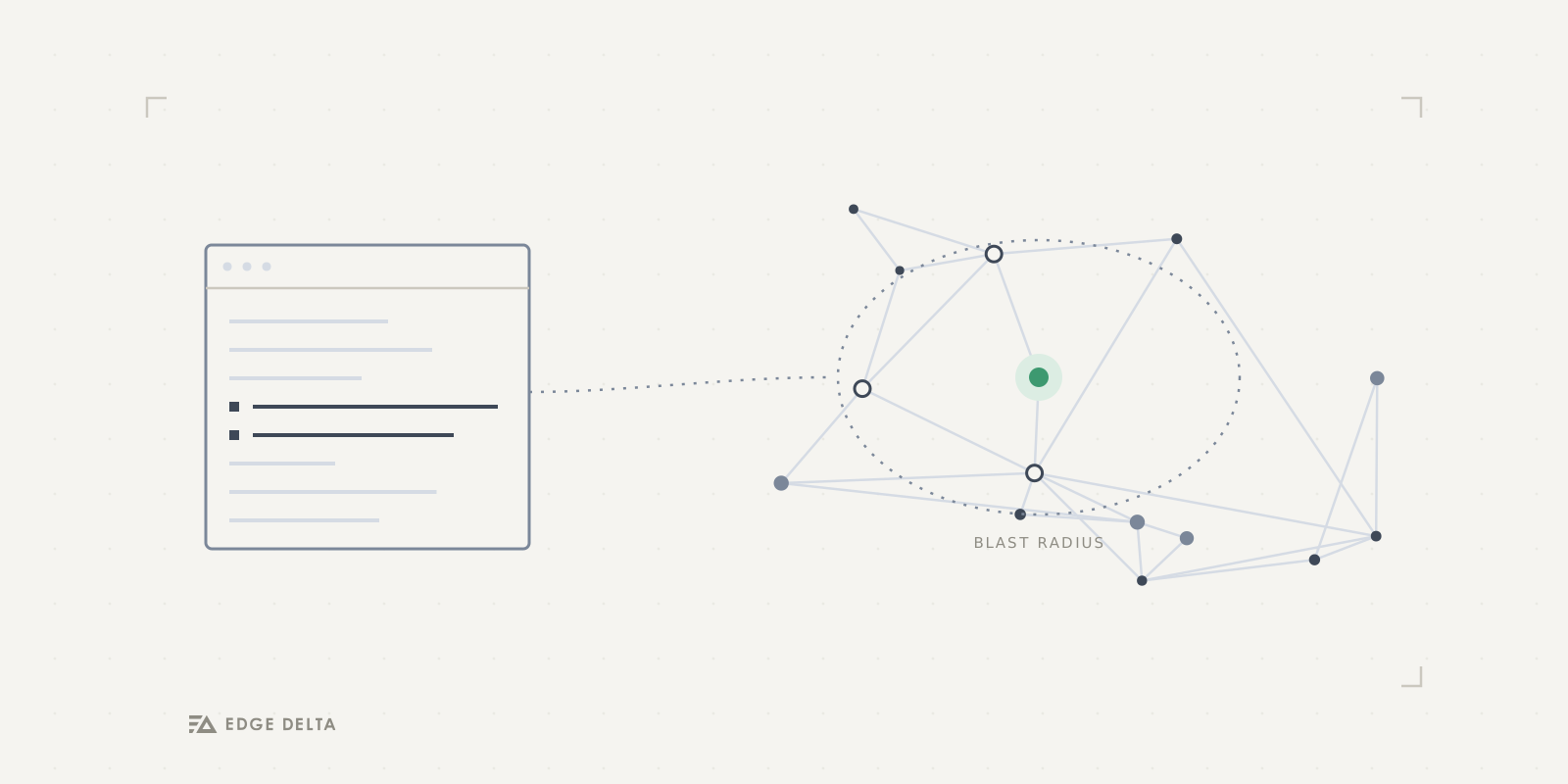
Since the failing route points at ad-renderer, the agent runs edx ai knowledge blast-radius svc::prod/ad-renderer --max-hops 2 and gets back six affected entities across two hops: api-gateway and recommendation one hop out, cdn-edge, checkout, user-profile, and session-cache at two, with a blast score of 0.81. Cross-referencing that against the logs completes the picture: ad-renderer has been OOMKilled three times in forty minutes, producing 98 503s at the gateway, each within 90 seconds of a restart. The graph also returns who owns it, the ads-platform team, and the runbook to follow, RB-114.
In this scenario below, the agent already knows the ad-renderer is behind a spate of restarts and works forward to the root cause.
edx ai knowledge subgraph svc::prod/ad-renderer --hops 2 returns the pod and the deploy that shipped it: the pod runs on a specific node, the deploy is ad-renderer:v2.14.1, and the first OOMKill landed 24 minutes after that deploy went out. edx ai knowledge criticality --limit 4 --namespaces prod ranks ad-renderer second by blast radius, six entities depend on it, and flags that it has zero monitors attached.
Pulling memory metrics for the pod confirms the shape of the problem: usage climbs from 160Mi to a 512Mi ceiling at a steady 29Mi/min, gets killed, and restarts, three times in forty minutes. Same slope, same ceiling, every cycle, which points to a leak rather than a load spike. From there it’s a two-line read: creative_pool.go:214 is missing a defer d.Close() after each decode job. The agent stages the fix, and the tests pass.
Conclusion
Edge Delta’s Knowledge Graph adds critical information about service relationships that telemetry can’t provide on its own. With both available from the same terminal, an agent can move from identifying a root cause to identifying the blast radius and the right team to loop in, without a person stepping away to look any of it up.
If you already installed edx and Agent Skills after our last post, run edx update to pick up the latest version, then edx skills install to refresh your skill set with the new knowledge graph commands. If you’re starting fresh, install edx, run the same install command, and point your agent at your org.
If you’ve never used Edge Delta, sign up for a free account to see the edx CLI in action.